Sunday, September 4, 2011

Taking screen shot in Mac

Mac screen shot
There are many ways in which you can use screen shots, especially if you are a blogger:
- to be included in your recommendation of this or that websites
- as illustration when you want to share a bit about your workflows
- as a quick visual record of things such as your own bog as well as other blogs in your reading list
- for grabbing quick images (of course, if you grab somebody else's image from the net and blog about it, it's only polite to attribute the image)
- and many more. I'm sure you can think of some other things. Including just for fun.
The Apple website does have a very short and sweet instructions for Mac capture screen which you can refer to. So, here I'll just cover other things such as the difference between the different methods, as well a few things to note that I learn from my own experience of using screenshots.


Shift++3
will give you a shot of everything on your screen at point of capture: your open application, the clock, battery indicator, everything. Check out my sample shot below:
Full screen shot (with excel)
Notice that the shot includes the Dock, my formula tab, my various indicators at right hand side, basically everything.
Suppose you do not want the whole desktop captured? You can either edit the first shot above, OR you can use the 2nd option:
Shift++4
Will turn your mouse pointer to a crosshair (with nifty numbers that indicate the size of your selected area in pixel) that will allow you to capture a selected area in your screen.
This selection can span different active windows, just as long as they are on your desktop.
You can see the comparison below:
Messy desktop (full screen shot)
Cascading corners using 2nd option
Pretty cool, but maybe sometimes you just want to show the whole of ONE active window, like maybe a browser, opened at a website you'd like to showcase. That's when the 3rd option is useful:
Shift++4+space
Will capture an active window of your choice.
As mentioned in the Mac tutorial, your mouse pointer would change 'shape-shift' to a small camera. Click the camera at your chosen window and you'll get your shot of just that window.
So, let's just say we start from the same cluttered desktop above:
Messy desktop
And you just want to take a shot of your web browser, basically you press the necessary combination of buttons on your keyboard, and click on the browser, and this is what you'll get:
Browser screen shot 1
Awesome, no?
Now for my own notes:
Additional notes
1. In my computer, all these images would be saved directly to my desktop in .png format. Very easy to find, and taking no time at all.
2. My images range from 50kb for a small selection shot (option 2) to a couple of hundreds kb for full window shot. I think it depends on how complex the picture is.
3. Of all 3 options, I think my favorite is the 3rd option (shift+⌘+4+space). It's slightly more tedious, but the resulting image is the most streamlined and fabulous looking among the rest. I love the slight shadow under the window. You might want to adjust your image posting preferences, however, as the shadow might interfere with your default image framing.
4. Privacy.
I like to have my bookmarks at my fingertips when I am browsing, but really, I don't really need the whole world to know which sites I bookmark. Yes? So before taking any window shot, I might want to first hide my bookmarks by using the browser preferences. Doing this, however, is a pain because I would have to return the settings to normal for my normal browsing activity.
If you look at the picture below, you'll see what I mean:

Browser shot comparison
My Firefox actually have a cool cat skin, which I like very much, but maybe I don't really want to show it to everyone. Now you see the tiny button encircled with the heart? That's your key for a quick, painless shot.
Click on that button, and it will hide/show your private stuff (like address bar, bookmark bar, etc).
This button is actually available in most Mac application, hiding/showing select toolbars. A very handy tool, indeed. For some reasons, it's not available in Safari, though.
That's all for today's tutorial, folks. I hope you find it useful, at least for the Mac users among you. I seriously have no idea about PC screenshots. Sorry!

Saturday, September 3, 2011

The 101 things I learned last week ...

the story
was that I had to finish a marketing plan as part of my study requirement.
It was ... let's just say that the result was more of a study of the things that you should NOT do in making a marketing plan.
The words dismal, incomplete, full of unmentionable things ... came to mind when I try to describe the end result. Sigh.


Still... on the good side, I have never seen myself applying so rigorously to the task ... of NOT doing the plan.
Oh dear. I surfed the web, I contemplated website designs, I played computer games I barely even enjoy, all in the name of NOT doing the work.
Unbelievable! Absolutely unbelievable!
So... yeah, I did learn quite a few stuff. Just too bad that it was not quite directly (or remotely) related to the project on hand at that time.
And with the submission deadline safely 12 hours behind, I have been gleefully reveling in the legitimacy of my other pursuits.
Like a 2-hour de-stressing using the aforementioned computer games straight after submitting the reports. Huhhh!

As for the other 101 things, I learned:
- that I am really bad with finishing a list. A month of useful content? Gone. A week of feature on the Dog? Lost in transit, or something. Other series? MIA without any trace.
- how to do html tags for my images
- that I'm not so keen on tagging my images one by one manually, and I simply let it lie
- there are many free beautiful blogger templates out there
- that I prefer using the old Blogger interface than the new one
- there are tools that would allow me create my posts offline (and hopefully help me improve my blogging in general!)
- New terms such as deep-linking, custom 404 page, favicon
- that I love certain aspects of designing
- how to be a code peeper (even if I have not much idea about coding and such)
- how to take proper screen shots (see picture above)
- the value of being organized
- how to 'upgrade' my personal blog using a free template not from Blogger's collection (see picture above. I'm so excited!)
- Googling is a very much under-utilized tool in my hand. I need to ask more question to Google.
- .....

Well... actually, now that I list them out, they are not really 101.
But especially after installing the new template successfully, with hardly any glitch, it just felt like a HUGE, BIG thing that I learn today.
And the accumulation of all those web-browsing, game-playing, generally-avoiding-real-work thingies just seem like a lot of new things learned over the past week.

Anyway, it's late, and I still have another program to install. We'll see if we can start sharing some of the knowledge I thought I learn from last week with all of you.
Thank you for staying in tune.

Edited 05/09/11 to add:
d.i.s.t.i.l.l.e.d is strictly my private diary, and hence, the perfect testing ground for my various experiments. I don't think I'm going to share the link, though. Hehehe.. just because I am mean like that. But I might still share screen shots. Cos I'm nice like that.

Wednesday, August 31, 2011

Happy Eid ul-Fitr


Some might say I am kind of late, but I *heard* that the official Indonesian holiday is only today.
So... Selamat Hari Raya Idul Fitri 2011, everyone!

Wednesday, August 24, 2011

Pet week: Penny the Companion


(Somehow, the Dog just grew into adulthood overnight. Haha!)
Well... actually, not long after moderately successful potty training, Mr. G's travels resumed and I was left with the Dog. We made good friends, so much so that the Mister often complained that the Dog is more mine than his. I guess I was there through most of her formative years (or months). Lucky me!
For I also got to deal with her 'formative' issues.

Penny, you see, seemed to have an issue with being blonde.

Penny is a Golden Retriever, and was a pretty active puppy. So... we try to understand and be properly accommodating. After completing all her shots, we started with the yard under the apartment building, and moved on to larger grounds around the complex.
Unfortunately, the yard under the apartment has this area where collected rain water created a small puddle in the corner instead of going all straight into the drainage. That area became a favorite for the Dog. Happy like a pig in mud, we would often find ourselves going down with a golden puppy, and back up with .... half golden (top) half muddy brown puppy.

As for the picture above, we scouted around and found this empty land where the Dog can run around without her leash. The shape of the lot was such that the entry is small so that we can (relatively) easily kept the Dog from running out of the area.
Unfortunately, at the far end, there was uncovered drainage. And of course the land being empty, the drainage collected all kinds of debris unchecked, providing the Dog with a perfect dyeing wading area with the result of a very happy and black(!) dog.

I am thinking that the apartment cleaner might have wondered about the dirt marks on the wall of the staircase. Ahem... yeah, sorry, that was us.
Shortly after, we found yet another empty land nearby, but with a clean water channel running through. So... after getting dirty in the first empty lot, we'll take the Dog to the second lot and she would emerge slightly cleaner. Like this:


Oh the joys of owning a dog! From the good, the bad, the expenses, the headaches...
But we love the Dog. Really.
Especially when the Mister is away, it was great to come home to have still somebody else waiting for you, even if they have four legs instead of two.
The Dog kept me sane, kept me moving.
I personally attributed many things about my first pregnancy having gone oh so swimmingly to this Dog.
The many long walks, for my easy delivery process, my reasonable weight gain, not to mention a pretty manageable moodswings. And of course, there is always the adoring company.

(We'll keep it short for today, but stay tune for the next installment: Penny the Jet Setter)

Tuesday, August 23, 2011

Pet Week: Penny the pup

After posting yesterday's post for I ♥ Faces, I thought, why not post more stories of the Dog? There are definitely many stories after 5 years of living with us, so... we might break it up into shorter posts. Here's the first installment:


We picked up Penny as a two-month-old puppy from a dog farm in Singapore. It was in January and we just got our end-of-year bonuses and we thought we would finally jump on the idea of getting a dog given the 2-year lease of our apartment then.

We did not count on getting a Golden, but I fell in love with this bunch of puppies at first sight and just couldn't let go of the idea. And so we got Penny out of the bunch, a puny little puppy with the shortest snout (my criteria of selection, don't ask).


T'was a long ride from the farm home, and the poor puppy actually vomited in the taxi! Luckily we carried with us some newspaper and we did not quite make a mess in the taxi.
Together with the puppy, we brought along quite a few stuff, a starter kit, if you will, bought from the same farm.
We heard before that those farms are not really top recommendation for getting puppies from, however, we were quite happy with the whole experience. Service was great, and although the place was quite in the middle of nowhere, they do provide full service from selling puppies, providing pet boarding, dog run and wading pool (for weekend), and even a fully stocked pet megamart. If you are considering getting a pet or even need supplies (especially for larger dog), the place is highly recommended. You can check out the website here.


The best part was getting the starter kit at the pet megamart. With a little puppy in hand, we were totally lost as to what to get, until a staff member came along and guided us at the toy section with the admonition to choose a toy or two for the puppy while he went around grabbing other stuff which he thought we would need.
A few minutes later, when he came back with a fully laden shopping basket, we were still gawking indecisively at the array of toys. Haha...


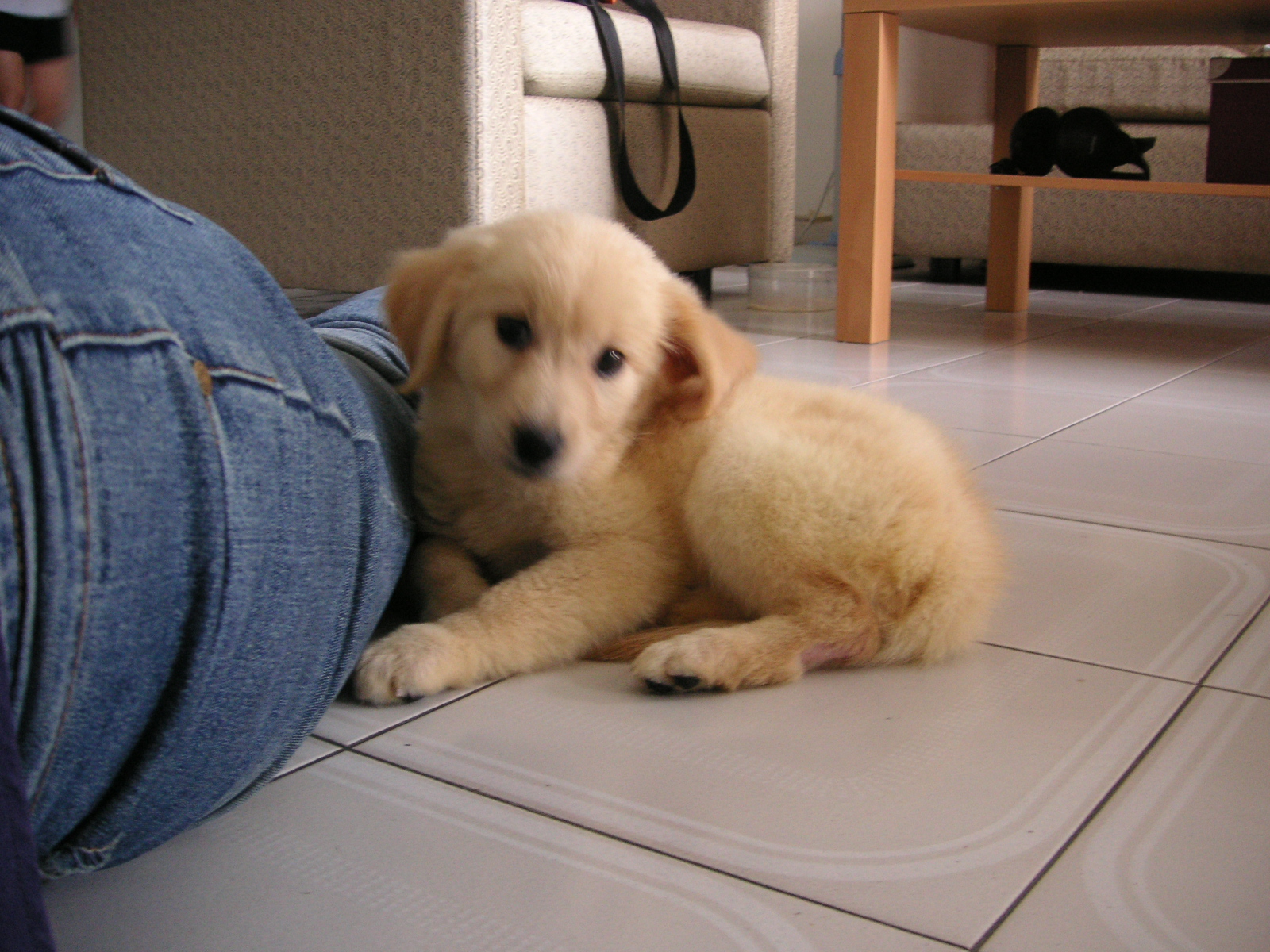
We took the few obligatory snaps the moment we came home, but subsequently, between toilet training, sleepless nights (the puppy cries at night!), the scramble to feed the Dog (she does not like the chow we got her), taking pics just slipped our minds. But we still have this precious shot of her squeezing under the coffee table.


Would you be very amused to know that the table in the picture was later on 'demolished'... uhmm... 'devoured' by that very same dog as she progress through puppyhood in which she proceeded to chew everything and anything around the house?
She did that, all right.
After all the hard work I put into assembling that piece of furniture! Hummpphh!

Anyway, that's our first installment on the Penny stories. Stay tuned to read more on her adventures, her issues with being blond, and her jet-setting ways.

Sunday, August 21, 2011

I ♥ Faces ~ Pet Week


Our (going to be) 5 year old Golden Retriever had some problem with her hip last week. She has since recovered, her gait back to normal, no signs of pain or anything amiss, but the episode was a definite wake up call on her advancing age and mortality in general (dogs do not generally outlast their human 'family' and bigger dogs are generally have shorter lifespan as compared to smaller dogs).

Not to put a damper on your mood, but I guess TODAY is always a good chance to take some picture of your beloved pet just to ensure that you have something to remember such precious soul.

Here's our lovely, spoilt, wonderful, beloved dog:


golden retriever sleeping in the sun
Enjoying the sun

For more of my efforts in capturing the Dog, you can check out my other post.

Thursday, August 18, 2011

For Ramadhan

Actually it's already halfway through, the month of Ramadhan, in which Muslims around the world fast. This year the first of Ramadhan fell on 1st August, so... haha.. more than halfway through actually.
Maybe because I do not practice fasting. I am not a Muslim, is one reason. I tried before, out of spirit of tolerance to Mr. G. Uhmm... let's just say I barely last a few, very cranky days, after which I never bother trying anymore.
All fasting Muslims out there have my utmost respect for being able to follow through with such rigorous practice. Nowadays, I use my occasional bout of gastric problem as an excuse to escape.

Still, as an Indonesian, memories of Ramadhan is always a vivid memory, between the plethora of Ramadhan themed dramas on TV, to the rising prices of certain food items, to some delicious delicacies (especially of the sweet kind! Yum!) traditionally prepared for the breaking of fast, the beat of the beduk signaling the time to break fast, the ululating prayer immediately following, right to the sleepless eve of Eid ul-Fitr (or Idul Fitri as the Indonesian version goes) with its non-stop beduk and prayer chants all night long.

There are definitely more rambling about Idul Fitri itself as one of the most important holiday in Indonesia affecting most people in Indonesia in various ways, but maybe I should keep that to a different post and focus on today's topic.

As I said before, I am no foodie, but I can't resist to share just this simple desert I love, something quite traditional, not just for the month of Ramadhan, but also commonly had for normal desert. 

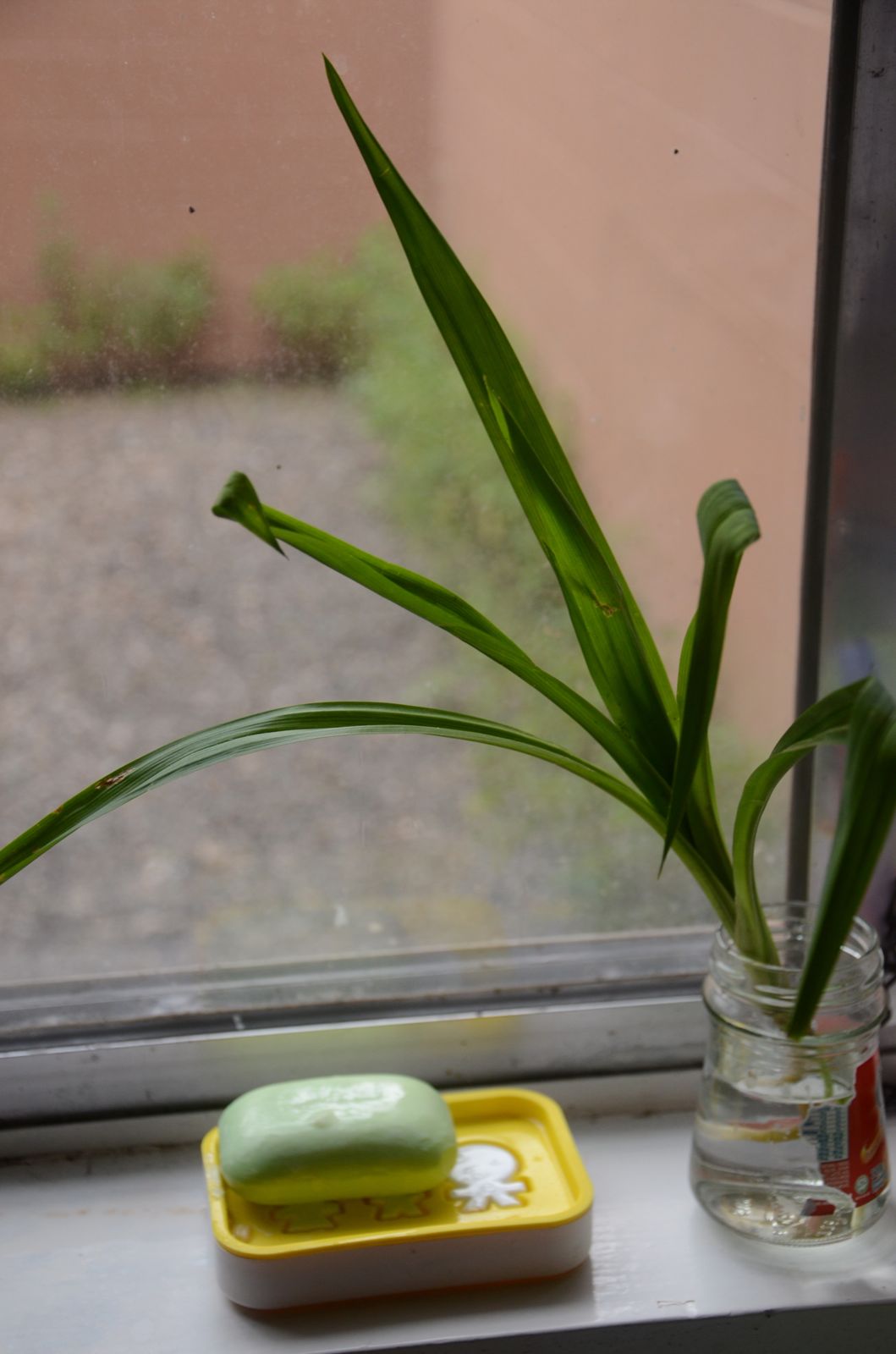
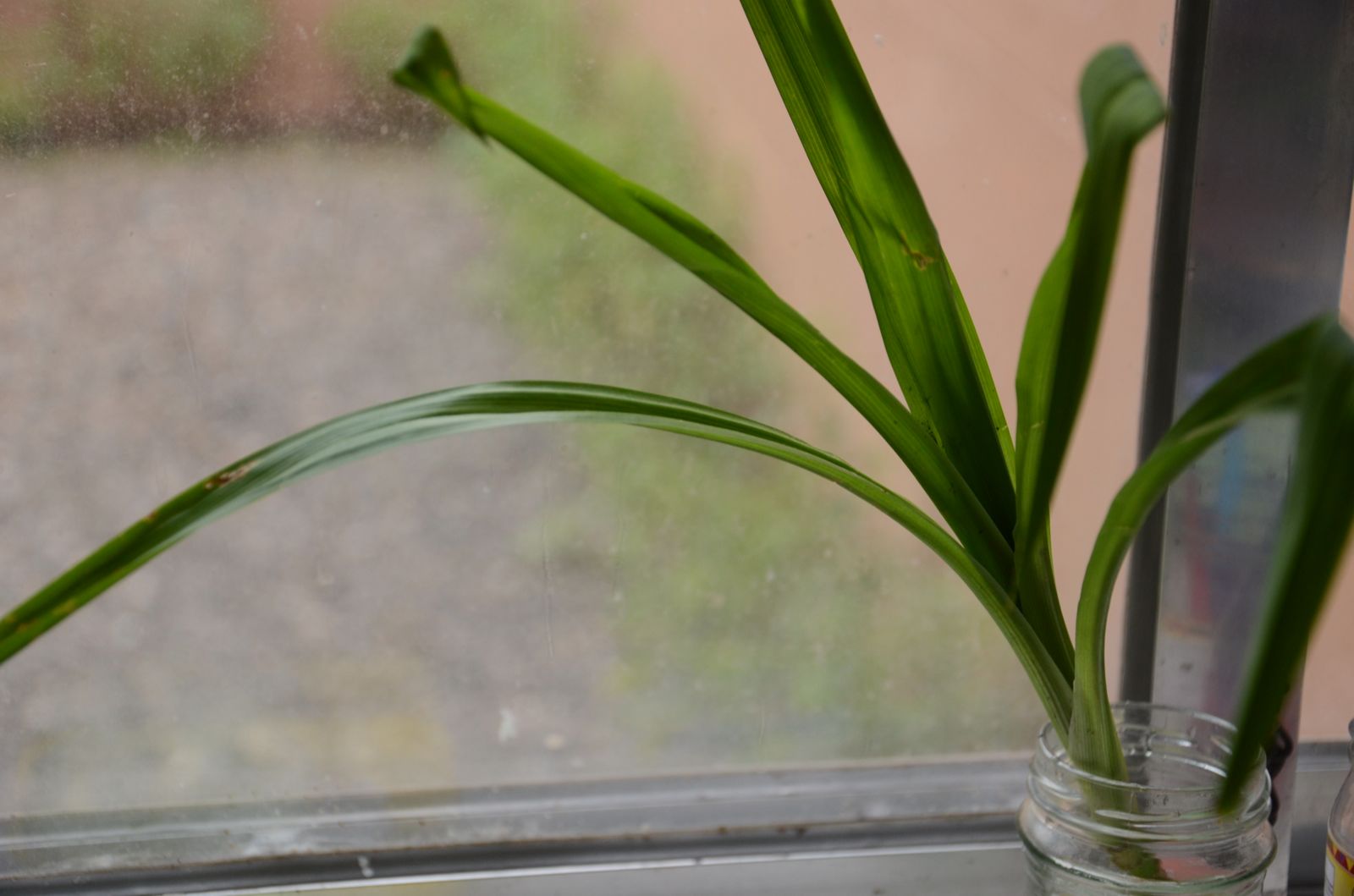
Start with a bit of pandan (screwpine) leaves, tied together for easy removal,

Chop some coconut sugar (so that it will dissolve easily)

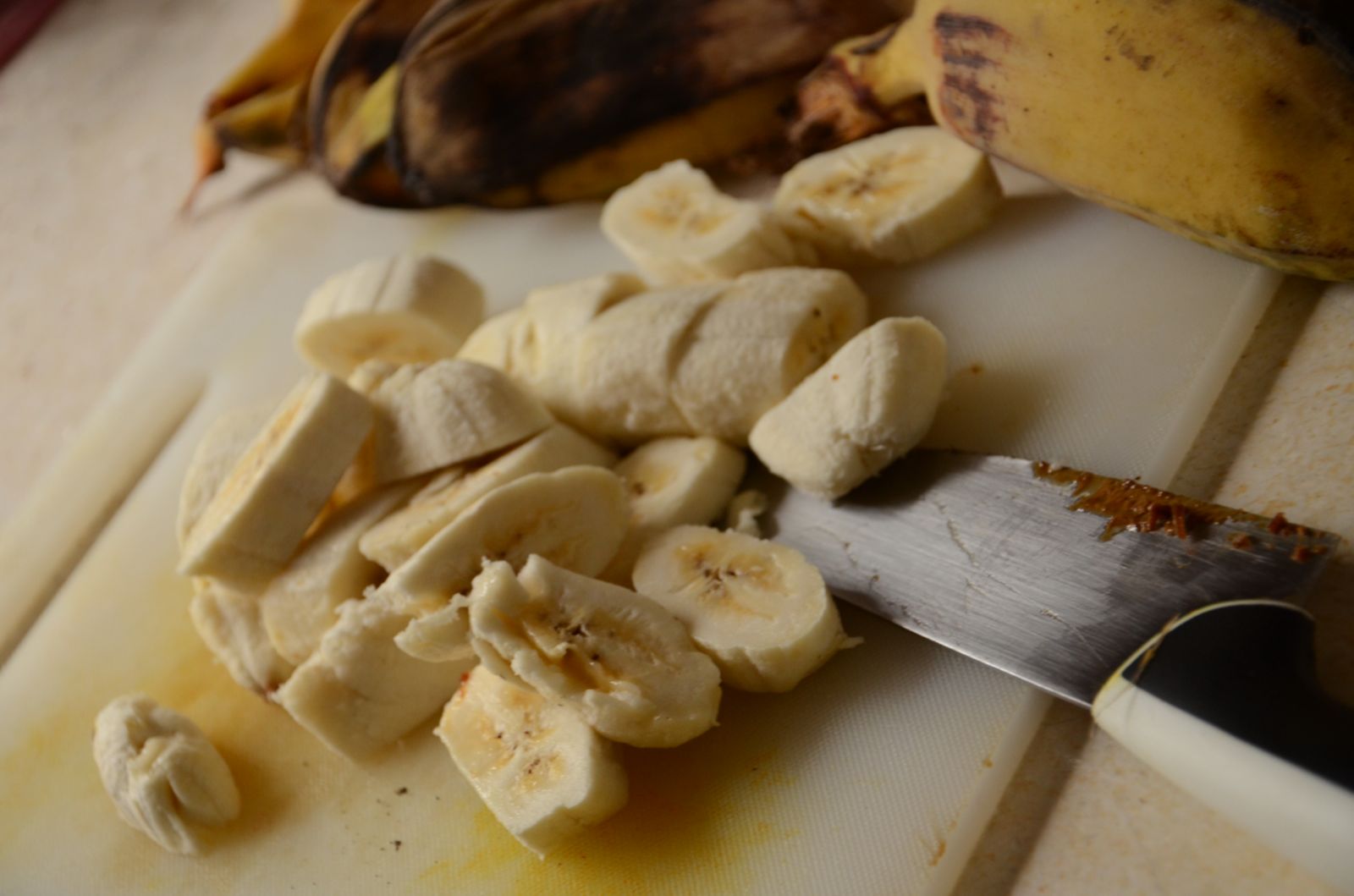
Cut up some bananas, I used the not so sweet variety, to balance the sugar

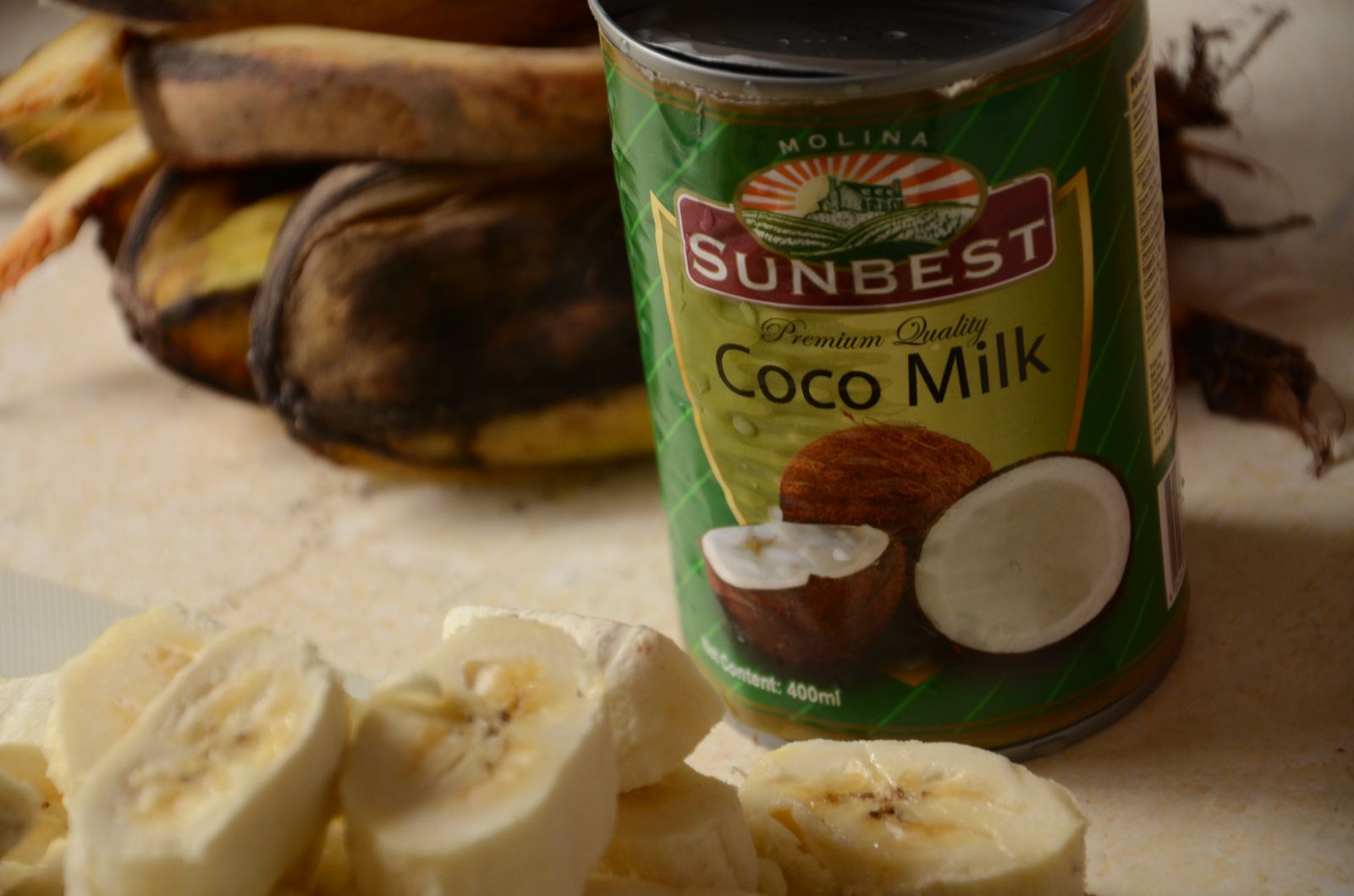
Mix together in a soup of coconut milk, diluted with some water...
Add whatever additional ingredients you like (jackfruit, sweet potato, yam, pine nuts)
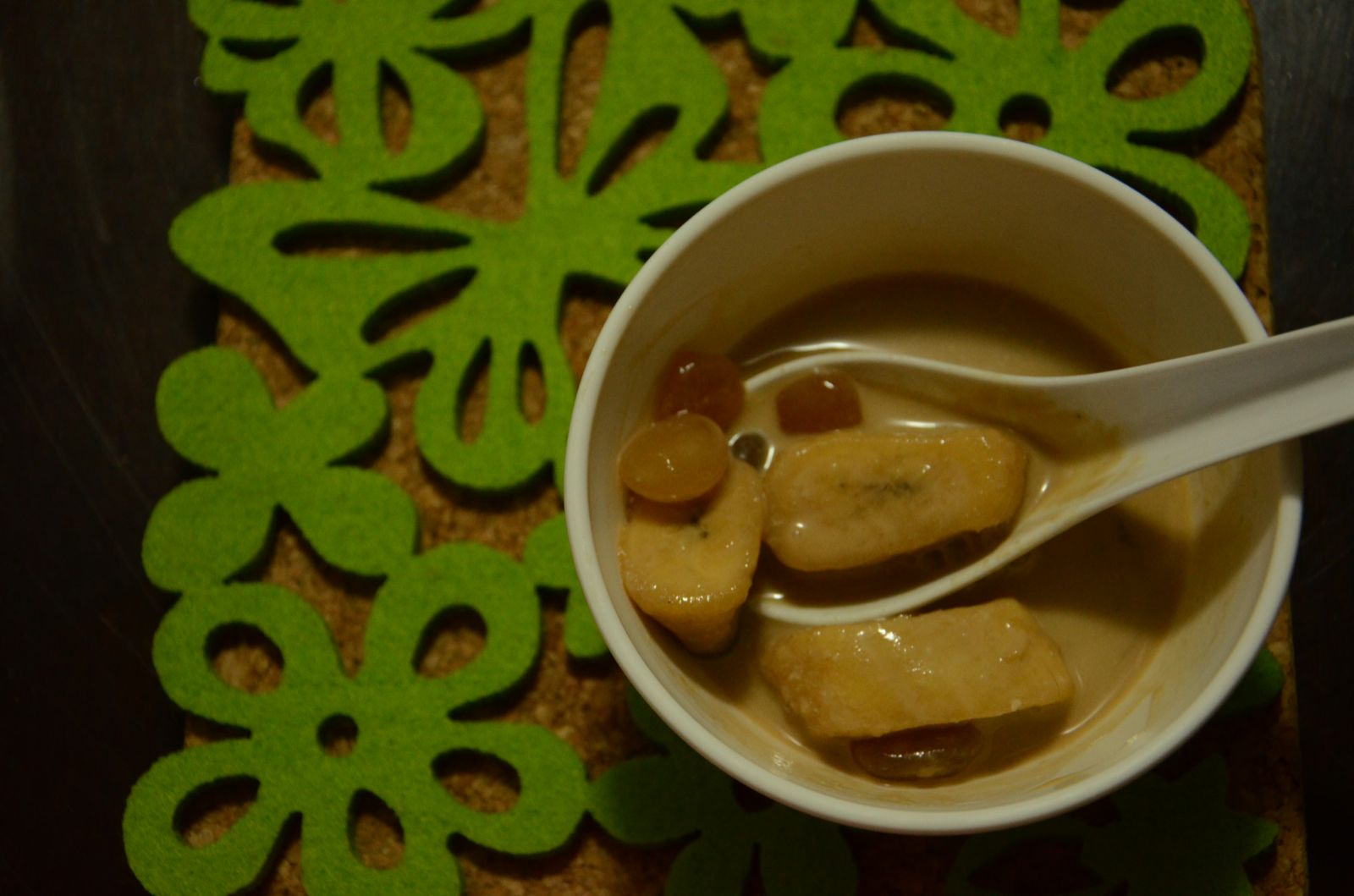
And voila! You have:

Kolak Pisang,
a delicious dessert, tea time snack, whatever you like it to be
You can have it hot, or you can have it cold
Have it as you like it

Oh well..that wasn't much of a recipe. I told you I'm no foodie.
Let's see if I can translate this one from Resep Keluarga Nugraha (plus some tinkering of my own):

Ingredients:
6 pieces of medium sized banana, sliced 1 cm thick (I prefer not so sweet)
250 gr of pine nuts, boiled till softened (or you can use the canned one in syrup)
8 tbs coconut sugar, chopped
2 tbs granulated sugar
1 tsp salt
500 ml coconut milk
2 leaves of screw pine (pandan)
(optional) 3 pieces of jackfruit, cubed

Directions:
1. Boil the coconut milk, sugars, salt and screw pine leaves to a simmer
2. Add the banana, jackfruit and the pine nuts, occasionally stirring to prevent separation of the coconut milk
3. Boil gently till softened (bananas would slightly change color)
4. Serve!

So simple! I love that I can find all the ingredients locally here in Philippines as they use roughly about the same ingredients for their food, except for the spices. Indonesians love to put WAY more spices in their food.

Anyway, I hope you can enjoy one of my favorite dessert. Have fun!